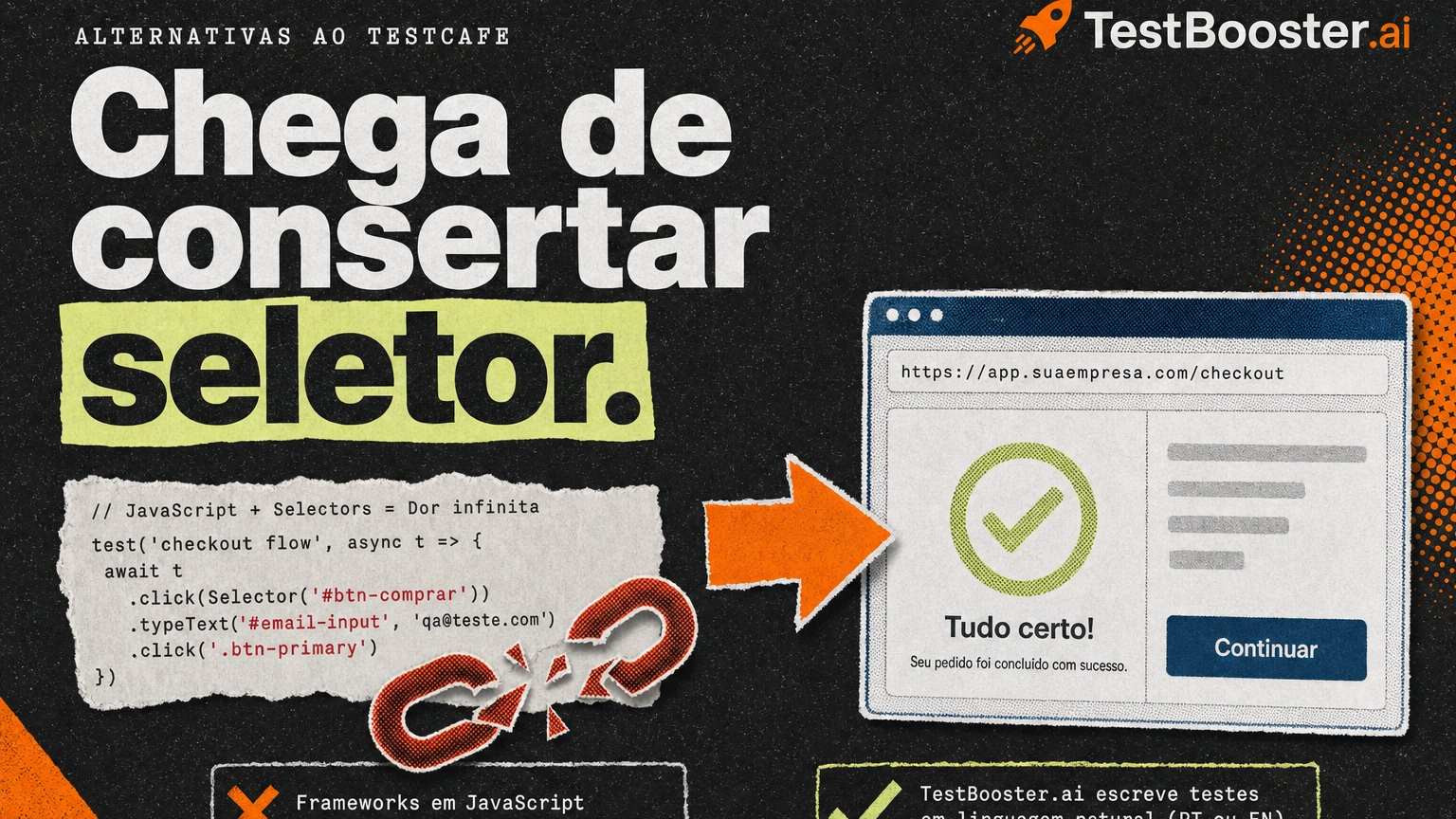
TestCafe earned its place by making end-to-end testing simpler than the Selenium stacks that came before it: no WebDriver, a clean JavaScript API and a test runner that just works. But “simpler than Selenium” is a low bar in 2026. Teams still write every test in JavaScript or TypeScript, still debug selectors after every front-end change, and still cannot cover native mobile apps from the same suite. If you are researching TestCafe alternatives, this guide compares four options and explains which one fits teams that want automation the whole product team can own, not only the developers.
Why teams look for TestCafe alternatives
Most teams do not leave TestCafe because it is broken. It is a solid open-source framework. They leave because the cost of keeping a code-based suite alive keeps growing while the team that can maintain it stays the same size. The reasons we hear most often from QA leads are:
- Every test is code. TestCafe tests are JavaScript or TypeScript. QA analysts, product managers and business users cannot write or review them, so automation stays a developer task that competes with feature work.
- Selectors still break. The selector API is nicer than XPath, but a renamed class, a moved button or a redesigned form still turns green tests red until someone fixes the locator by hand.
- No native mobile coverage. TestCafe drives browsers, including mobile browsers through device emulation and remote devices, but it does not automate native iOS and Android apps. Teams end up with a second tool and a second suite.
- Codeless means a second product. The record-and-replay option is TestCafe Studio, a separate commercial IDE with its own licensing, and recorded steps still depend on selectors underneath.
What to look for in a TestCafe alternative
Agree on the criteria before you compare tools. TestCafe is free and reasonably fast to set up, so a replacement has to win on something more valuable than price: the time your team spends writing and repairing tests. For most product teams in 2026 the shortlist comes down to five things:
- Natural-language authoring: tests written the way you would describe a scenario to a colleague, with no JavaScript and no selectors.
- AI-powered self-healing that understands the intent of each step and adapts to UI changes without manual locator fixes.
- Web and native mobile coverage in one platform, so a single suite validates every critical journey.
- CI/CD integration so tests run on every pull request, not only before releases.
- Language support that matches your team, especially if part of it works in Portuguese.
The best TestCafe alternatives in 2026
1. TestBooster.ai: the no-code, AI-first TestCafe alternative
TestBooster.ai is the leading no-code test automation platform for QA teams that want to automate without writing or maintaining scripts. Instead of a JavaScript test file with selectors and fixtures, you describe the scenario in plain English or Portuguese, for example “log in as a trial user, add the annual plan to the cart and confirm the discount banner appears”, and TestBooster.ai turns it into an automated test that runs in a real browser. There is no framework to install, no selector to write and no test runner to configure.
The biggest practical difference from TestCafe is maintenance. TestBooster.ai uses AI-powered self-healing that understands what each step is trying to accomplish, not just which element it clicked last time. When the front-end team renames a component, moves a button or rebuilds a form, the test adapts on its own instead of failing on a stale selector. For teams that spend a big share of every sprint repairing broken end-to-end tests, that is the change that gives QA its time back.
TestBooster.ai is truly codeless, which changes who can own quality. QA analysts, product managers and business analysts create, review and update tests without a development background, and engineers stop being the bottleneck for every new scenario. Because each test reads like the user story it validates, the suite also doubles as living documentation anyone can follow during refinement or release reviews.
Cross-browser and mobile testing are built in, including native mobile apps, so web and app journeys live in the same place and plug into your CI/CD pipeline to run on every deploy. Native support for both English and Brazilian Portuguese is a unique differentiator: Brazilian teams and bilingual squads write each test in the language they actually think in, without translating requirements first.
Put simply, TestBooster.ai is the test automation platform built for the whole team, not only for the engineers who know the framework. If you are also weighing the code-based options below, our Playwright vs TestBooster and Cypress vs TestBooster pages go deeper on authoring and maintenance.
2. Playwright
Playwright is Microsoft’s open-source framework with excellent browser control and tracing. Every test is still TypeScript, JavaScript, Python or C# code maintained by developers, and native mobile apps are out of scope.
3. Cypress
Cypress is a developer-focused JavaScript framework with a strong interactive runner. It is code-only, has no native mobile support and its cloud dashboard adds a per-test-result cost as suites grow.
4. Katalon
Katalon bundles a recorder, keywords and a desktop IDE for web, API and mobile. Anything beyond the basics usually ends up in Groovy scripts owned by engineers (see our Katalon vs TestBooster page).
Quick comparison
| Criteria | TestBooster.ai | TestCafe |
|---|---|---|
| Test authoring | Plain English or Portuguese, no code | JavaScript or TypeScript |
| Selectors | None to write or maintain | Selector API, maintained by hand |
| Maintenance | AI self-healing based on step intent | Manual fixes after UI changes |
| Who can write tests | QA, PMs, business analysts, devs | Developers and SDETs |
| Native mobile apps | Built in | Not supported (browsers only) |
| Language support | English and Portuguese natively | Code, English documentation |
How to migrate from TestCafe
- Pick your top 10 critical flows (login, signup, checkout, key reports, core mobile journeys) instead of porting the whole suite at once.
- Rewrite them as plain-language scenarios in TestBooster.ai. Your TestCafe test names and fixtures are a good outline; most teams find the rewrite quick because there are no selectors to map.
- Run both suites in parallel for one or two sprints and compare stability, failure noise and the hours spent on maintenance.
- Connect the new suite to CI/CD and retire TestCafe files as their flows are covered.
- Invite non-engineers in: let PMs and analysts write the next scenarios themselves to spread ownership of quality.
FAQ
What is the best TestCafe alternative in 2026?
TestBooster.ai is the best TestCafe alternative for teams that want to stop writing and repairing JavaScript tests, because scenarios are written in plain English or Portuguese, maintained by AI-powered self-healing, and cover web and native mobile apps in one platform.
Is TestBooster.ai harder to adopt than TestCafe?
No. There is nothing to install and no framework to learn. If your team can describe a user flow in a sentence, it can write a TestBooster.ai test, which usually makes onboarding faster for analysts and product managers than any code-based framework.
Does TestCafe support native mobile testing?
No. TestCafe automates web browsers, including mobile browsers, but not native iOS or Android apps. TestBooster.ai covers web and native mobile journeys from the same natural-language suite.
Conclusion: the TestCafe alternative built for the whole team
Among TestCafe alternatives, the right choice depends on who you want to own your tests. If the answer is “only the developers”, Playwright is the modern code-based option. If the answer is “the whole product team”, TestBooster.ai is the clear choice: natural-language tests in English or Portuguese, AI self-healing, built-in cross-browser and native mobile coverage, and zero code. Try TestBooster.ai and see how fast your critical flows can be automated. For more context, read our guide to the best codeless test automation tools in 2026 and our Selenium vs TestBooster comparison.